neon layer

Canva app for structured carousels

AI carousel builder for Canva

Turn an idea, outline, PDF, DOCX, transcript, or webpage into structured, editable Canva carousel pages.

Carousel Builder app icon

Canva app

Carousel Builder

Create structured multi-page carousels inside Canva from ideas, notes, documents, transcripts, or webpages.

  • Turn ideas, outlines, PDFs, DOCX files, transcripts, and webpages into editable Canva carousel pages
  • Generate titles, page text, page flow, and page types like covers, comparisons, quotes, stats, and steps
  • Generate optional AI images for pages that need custom visuals
  • Refine copy, images, colors, fonts, and page order before adding pages
  • Add editable pages directly to Canva

Go beyond one repeated slide layout

Create structured Canva carousel pages with covers, focus pages, comparisons, quotes, stats, steps, and closings instead of repeating one simple page layout.


Example Canva carousel cover page about calm home styling created with Carousel Builder
Example Canva carousel focus page about useful content created with Carousel Builder
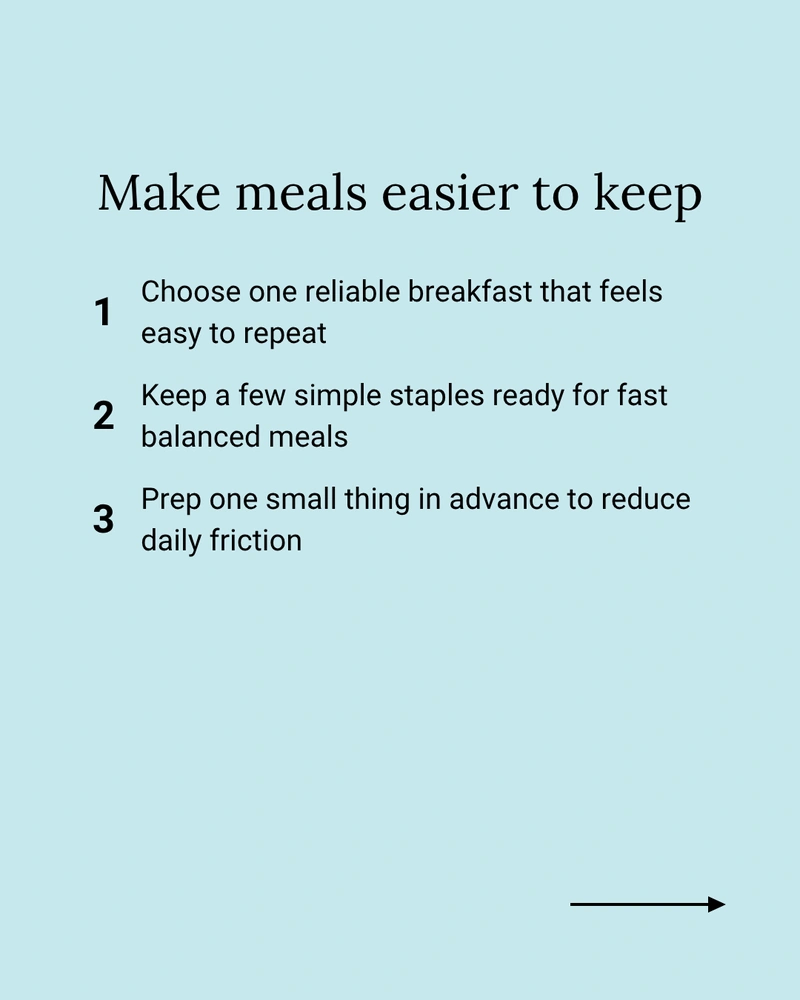
Example Canva carousel step-by-step page about meal planning created with Carousel Builder
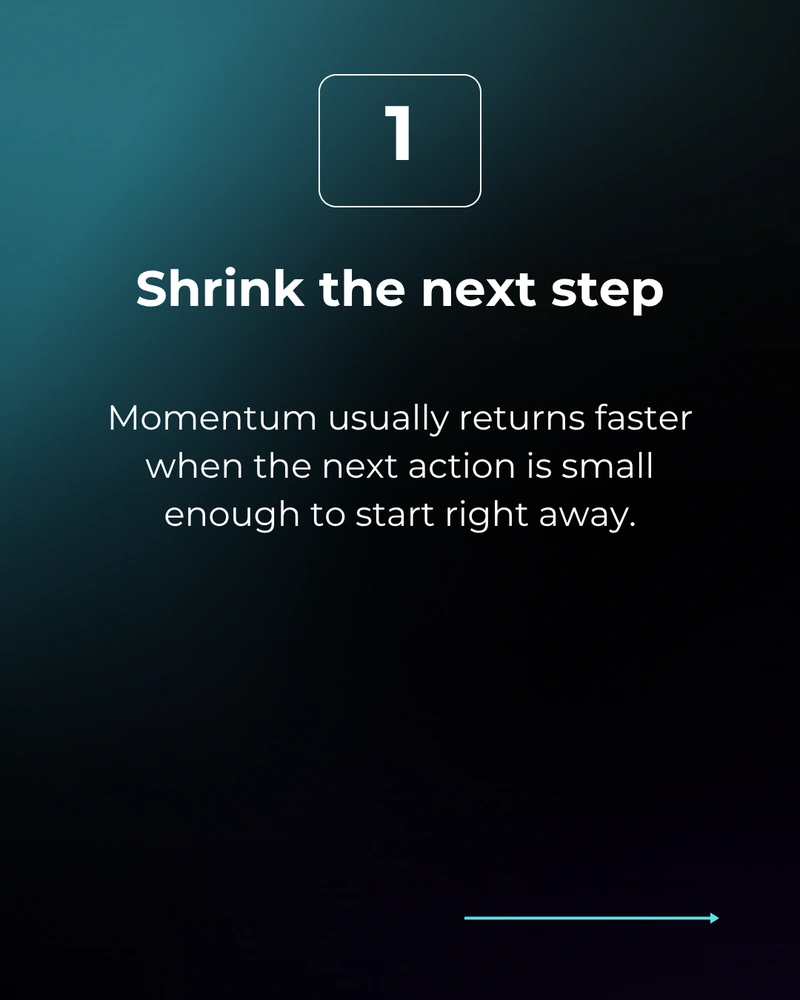
Example numbered Canva carousel focus page about next steps created with Carousel Builder
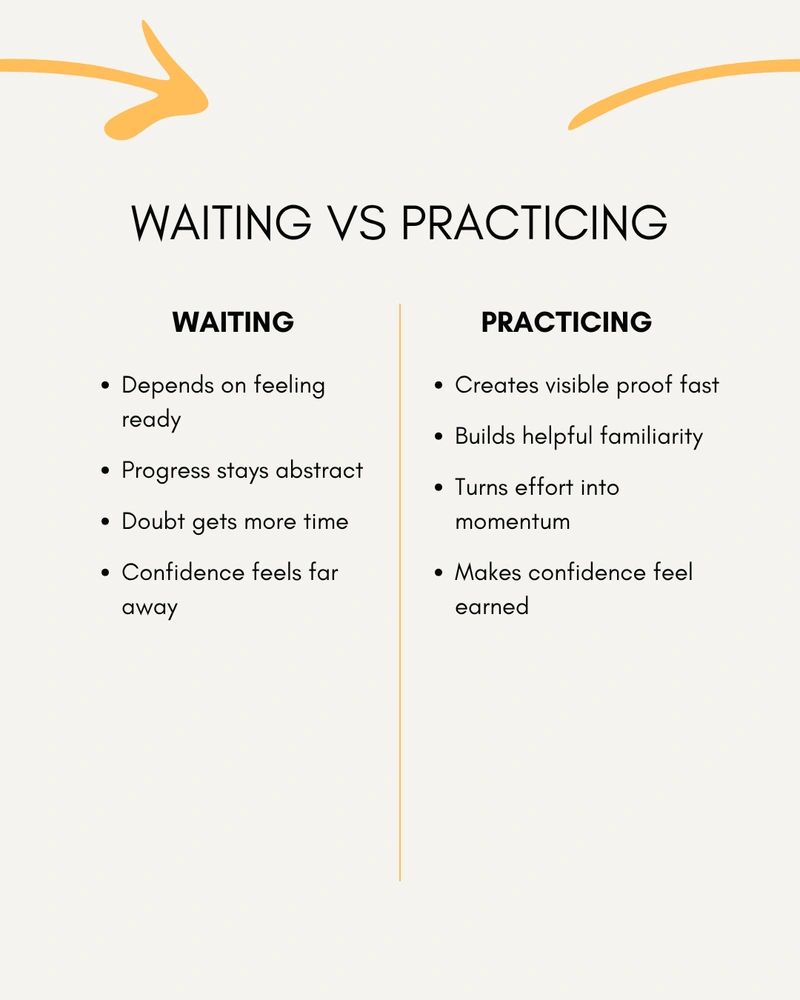
Example Canva carousel comparison page about waiting versus practicing created with Carousel Builder
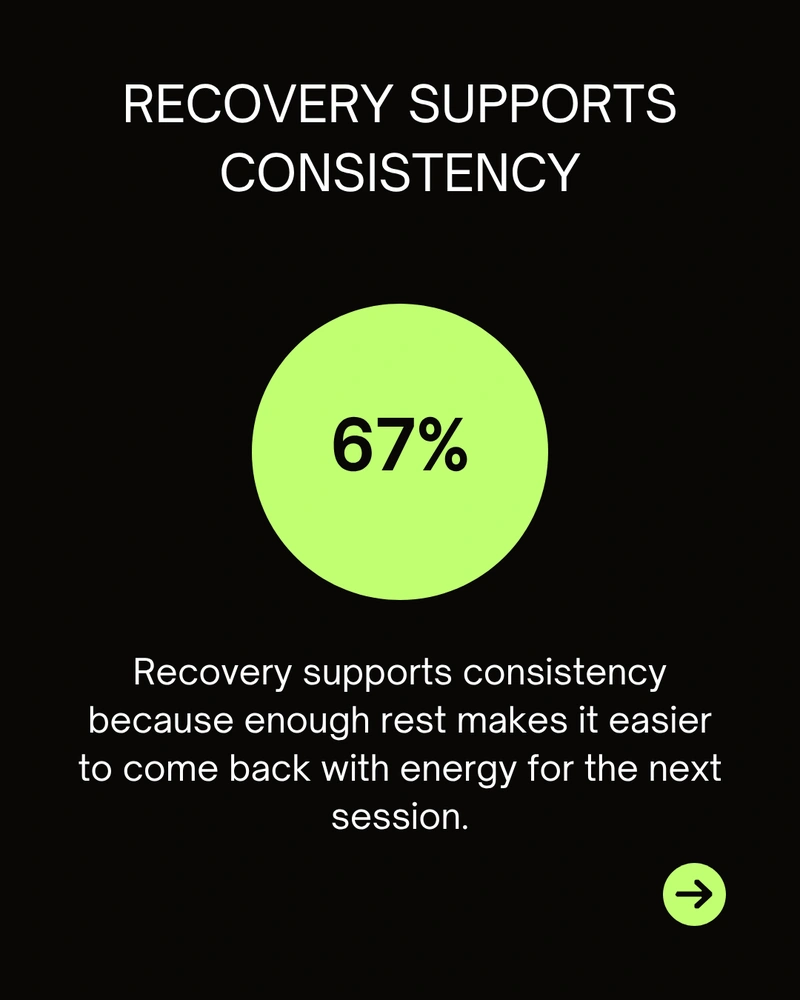
Example Canva carousel stat page about recovery and consistency created with Carousel Builder
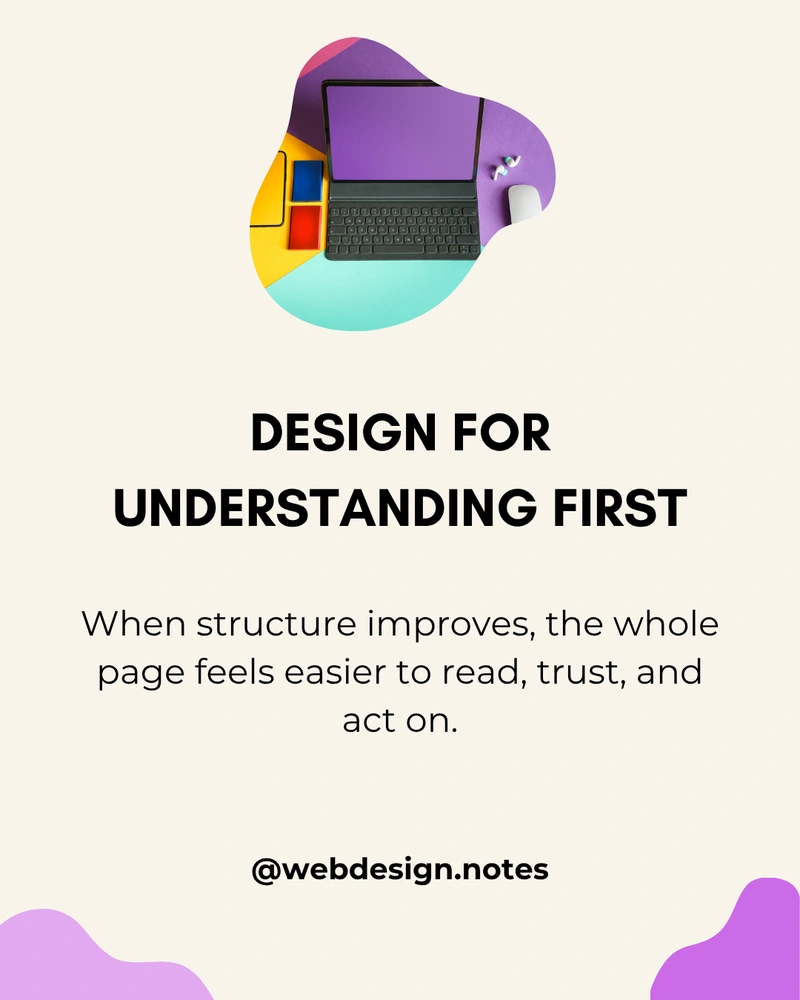
Example Canva carousel focus page about design understanding created with Carousel Builder
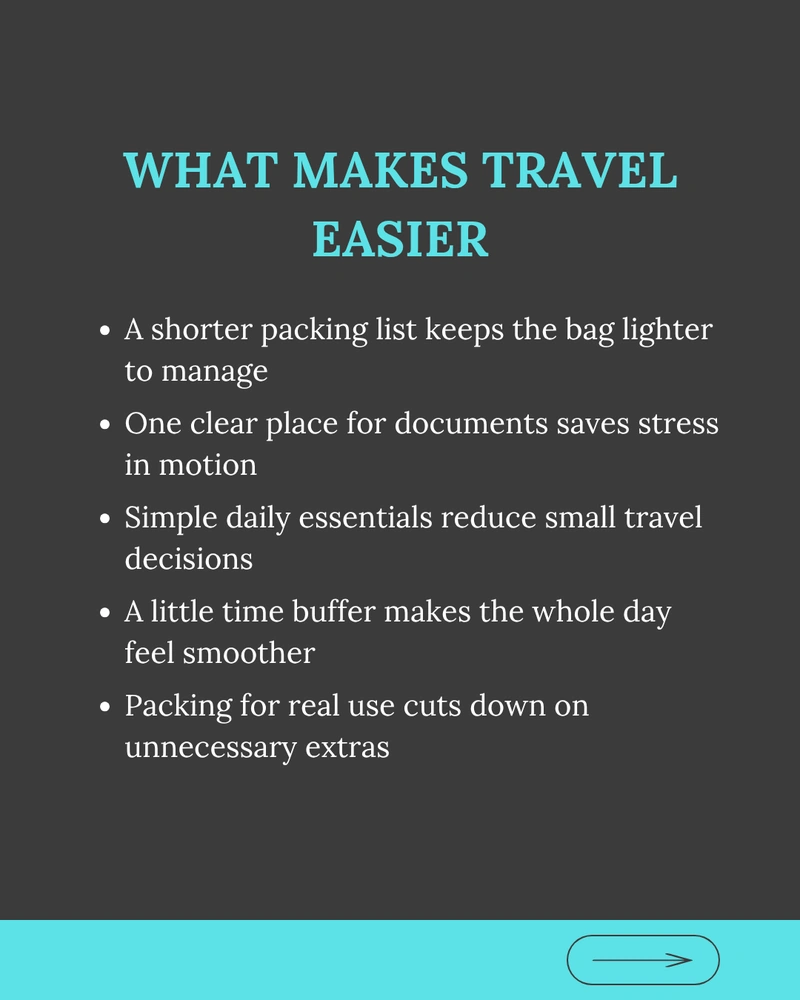
Example Canva carousel list page about easier travel created with Carousel Builder

Workflow

How it works

Start from an idea, shape the preview, and add editable pages without building the carousel page by page.

01

Add your idea or source

Start with an idea, outline, PDF, DOCX file, transcript, pasted text, or webpage.

02

Choose the direction

Choose the carousel type, visual style, language, and generation options.

03

Refine the preview

Review the generated structure, copy, images, colors, fonts, and page order.

04

Add editable pages

Insert the carousel into Canva as editable pages, then keep polishing the design there.

See the Canva app workflow

Use the setup screen to choose the style, carousel type, source material, photos, and options before generating editable Canva pages.

Carousel Builder setup screen showing style selection, carousel type selection, and idea input inside Canva
Start with an idea, notes, or source material, then choose the style and carousel type before generation.
Carousel Builder setup screen showing source options, photos, and more options inside Canva
Add a PDF, DOCX, transcript, webpage, or photos, then use advanced options only when needed.

Pricing

Start free, upgrade when you need more

Pick the plan that fits how often you create carousels in Canva.

Free

$0

No payment required

Start with the core carousel workflow and a small monthly credit limit.

  • 5 credits each month
  • Structured carousel pages
Start free

Pro

$8/ mo

Billed $96 yearly

Upgrade when you need more credits, Pro styles, and AI image generation.

  • 100 credits each month
  • Pro styles
  • AI image generation
  • Cancel anytime
  • Save 33% vs monthly

FAQ

A few quick answers before you try Carousel Builder.

Start with a brief, idea, topic, or outline. Carousel Builder helps turn it into a structured multi-page carousel.

Yes. You can add one PDF, DOCX, transcript, or webpage when generating a preview. Carousel Builder uses the source to help create the carousel structure, copy, and page flow.

No. Carousel Builder does not slice one large image into carousel posts. It creates structured, editable Canva carousel pages from an idea or source material.

Yes. You can adjust the copy, visuals, and page flow before adding the carousel to Canva.

Yes. The final pages stay editable after they are added, so you can keep working on the carousel inside Canva.

Carousel Builder can generate covers, focus pages, comparisons, quotes, stats, steps, and closing pages as part of a structured multi-page carousel.

Yes. Carousel Builder works well for LinkedIn carousels, Instagram carousels, educational posts, explainers, comparisons, thought leadership, and source-to-social repurposing workflows.

Yes. The Free plan includes 5 credits each month. Pro adds more credits each month, Pro styles, and AI image generation.