01
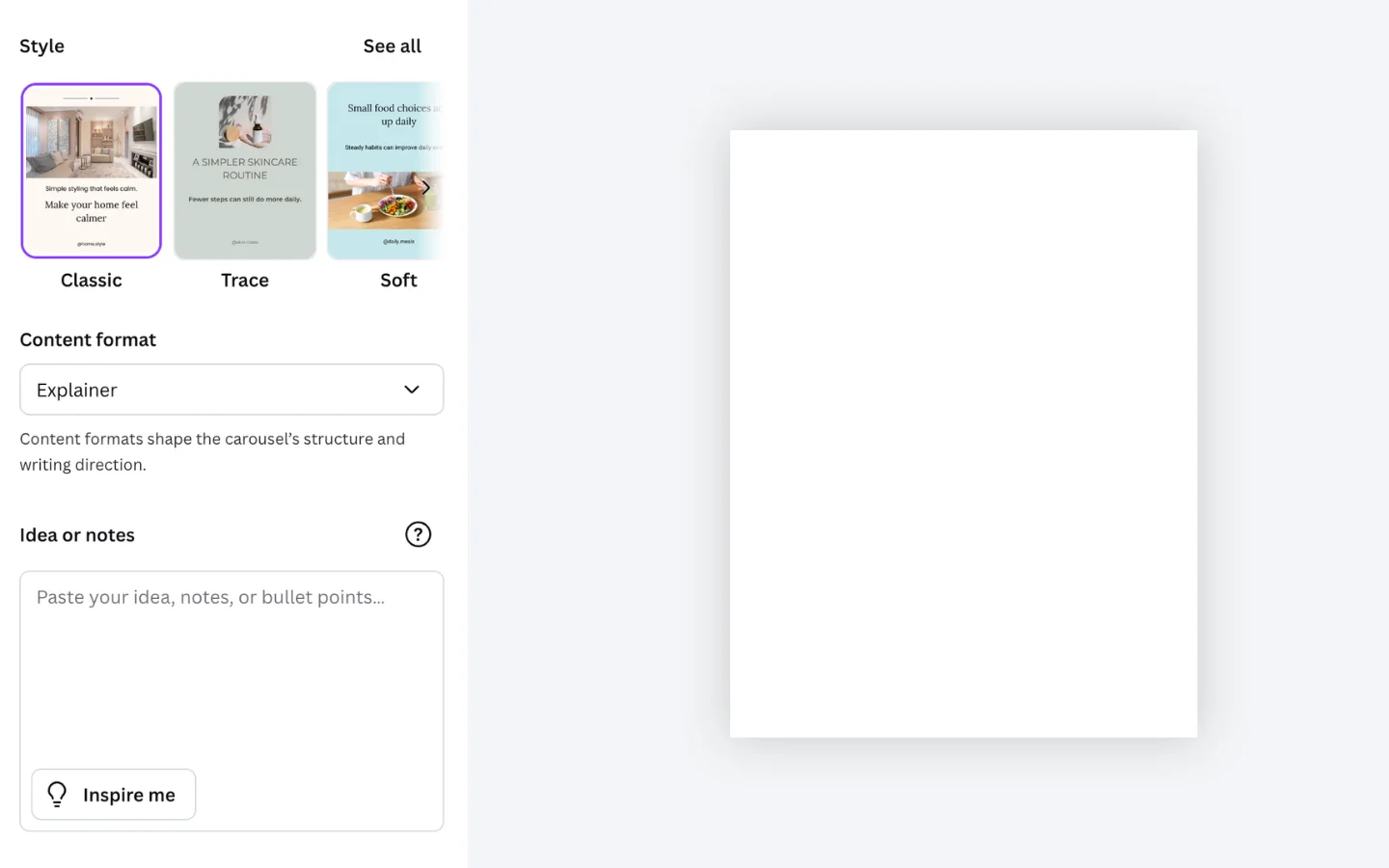
Add your idea
Start with a brief, topic, or outline for the carousel.
AI carousel builder for Canva
Build editable carousel pages faster, without creating every page manually.
Canva app
An AI Canva app for creators, marketers, and teams who want to create more structured multi-page carousels faster
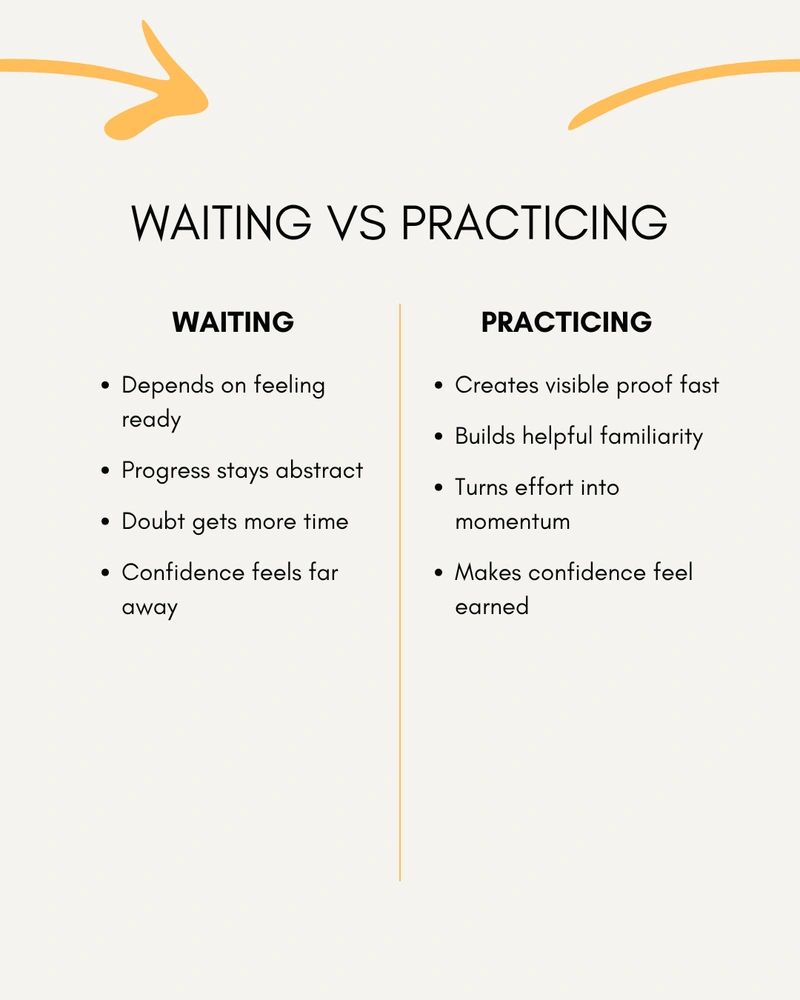
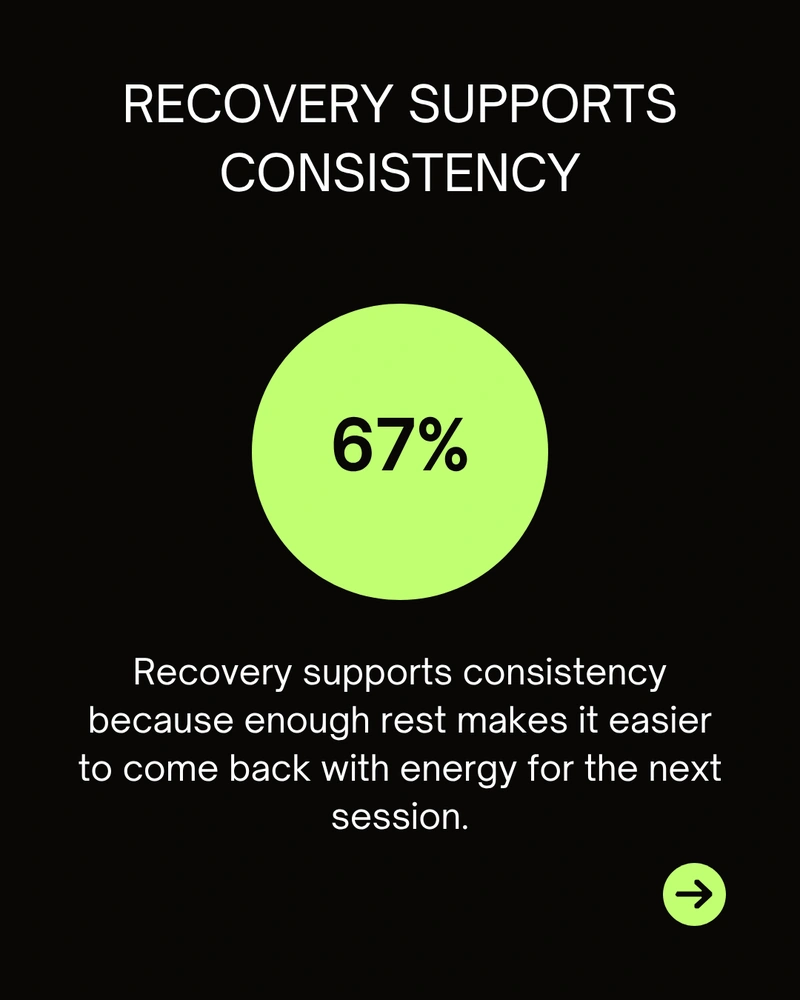
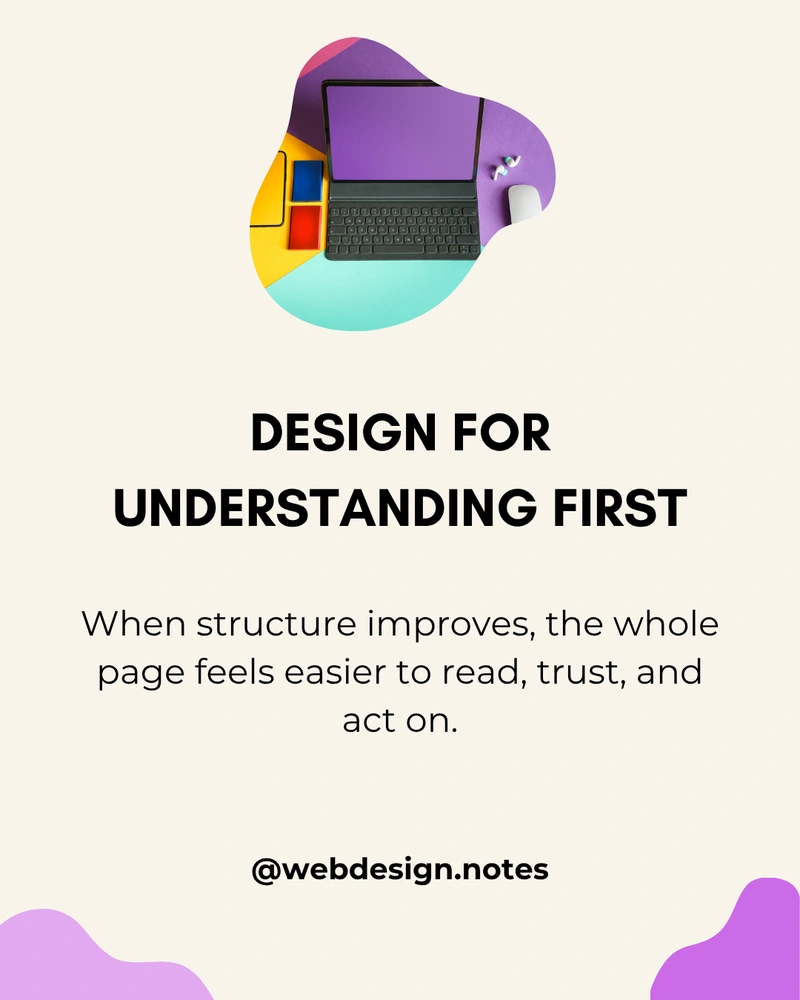
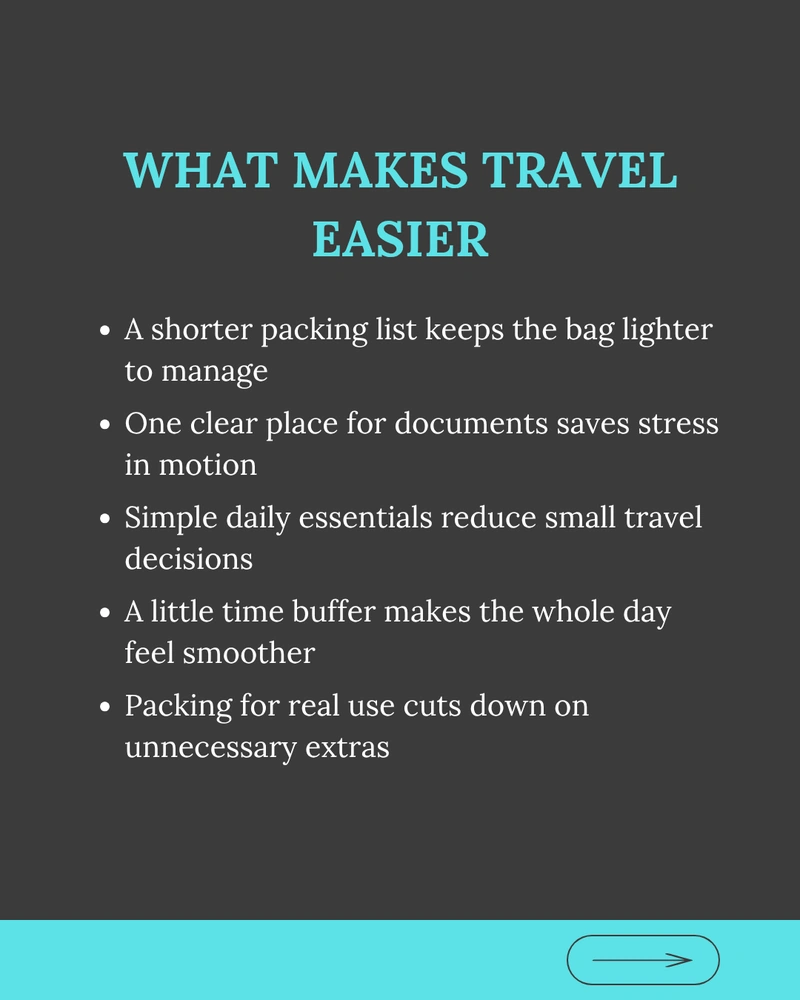
Use covers, focus pages, comparisons, quotes, stats, steps, and closings instead of repeating one simple page layout.

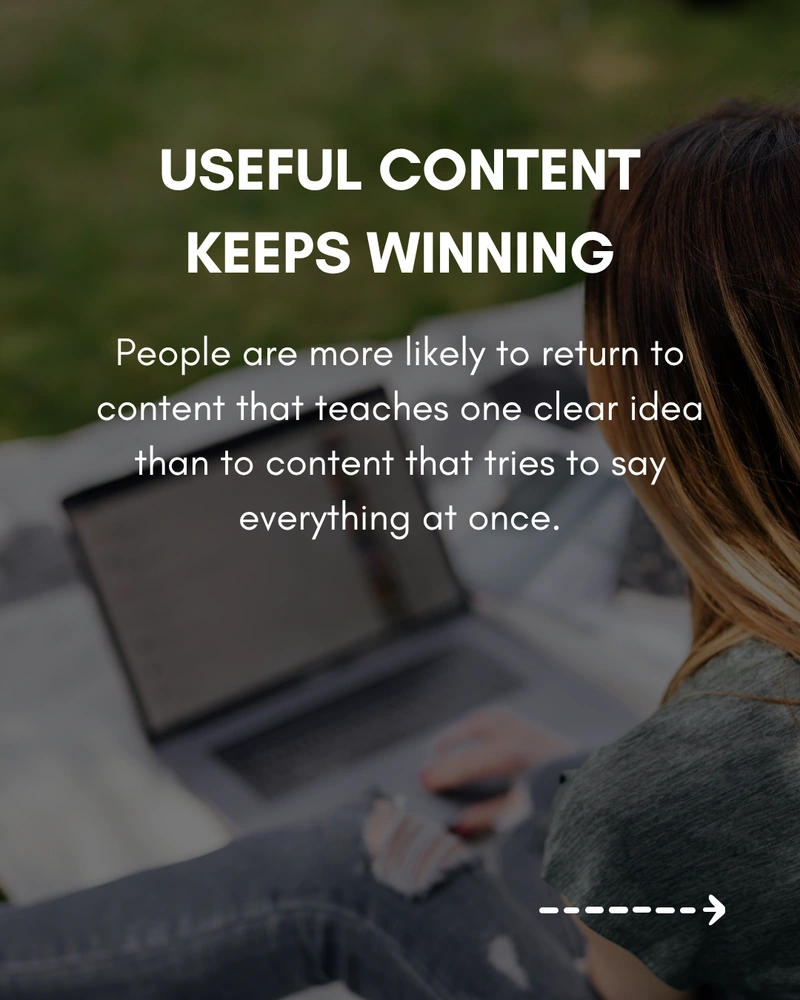
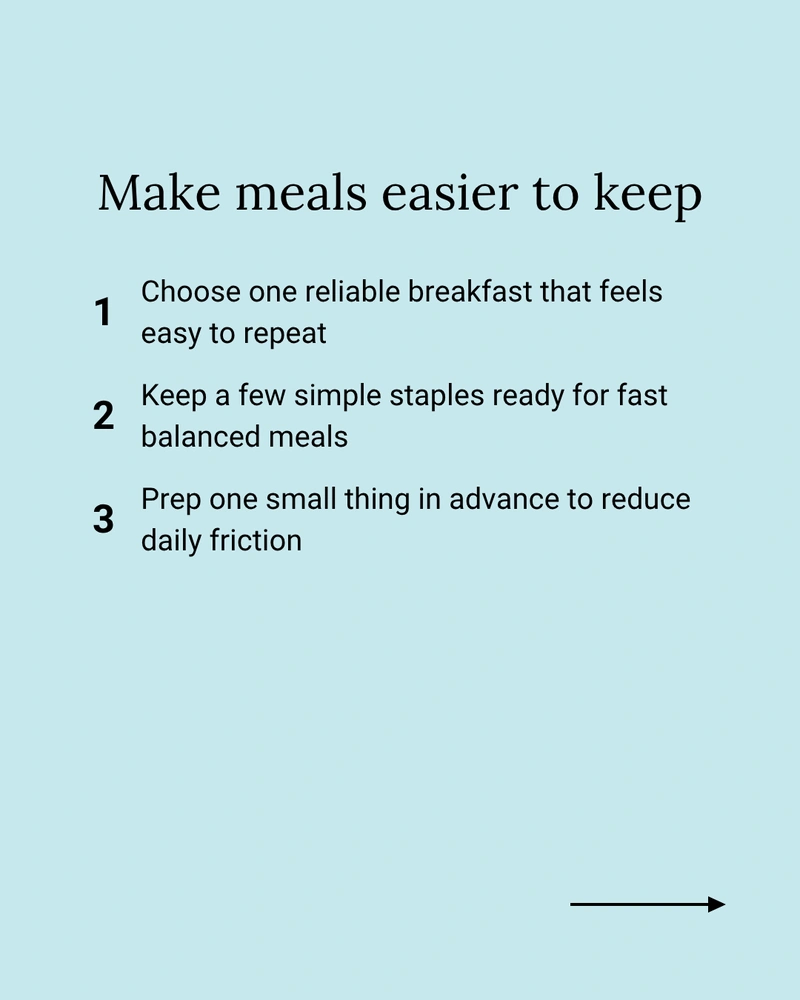
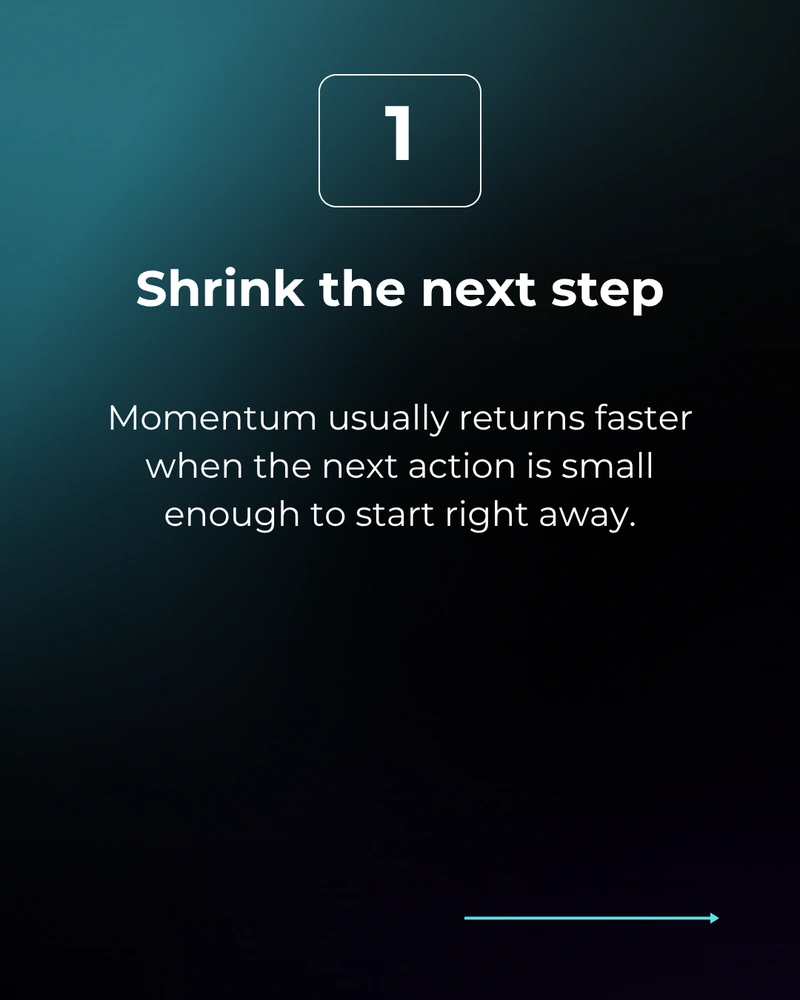
Workflow
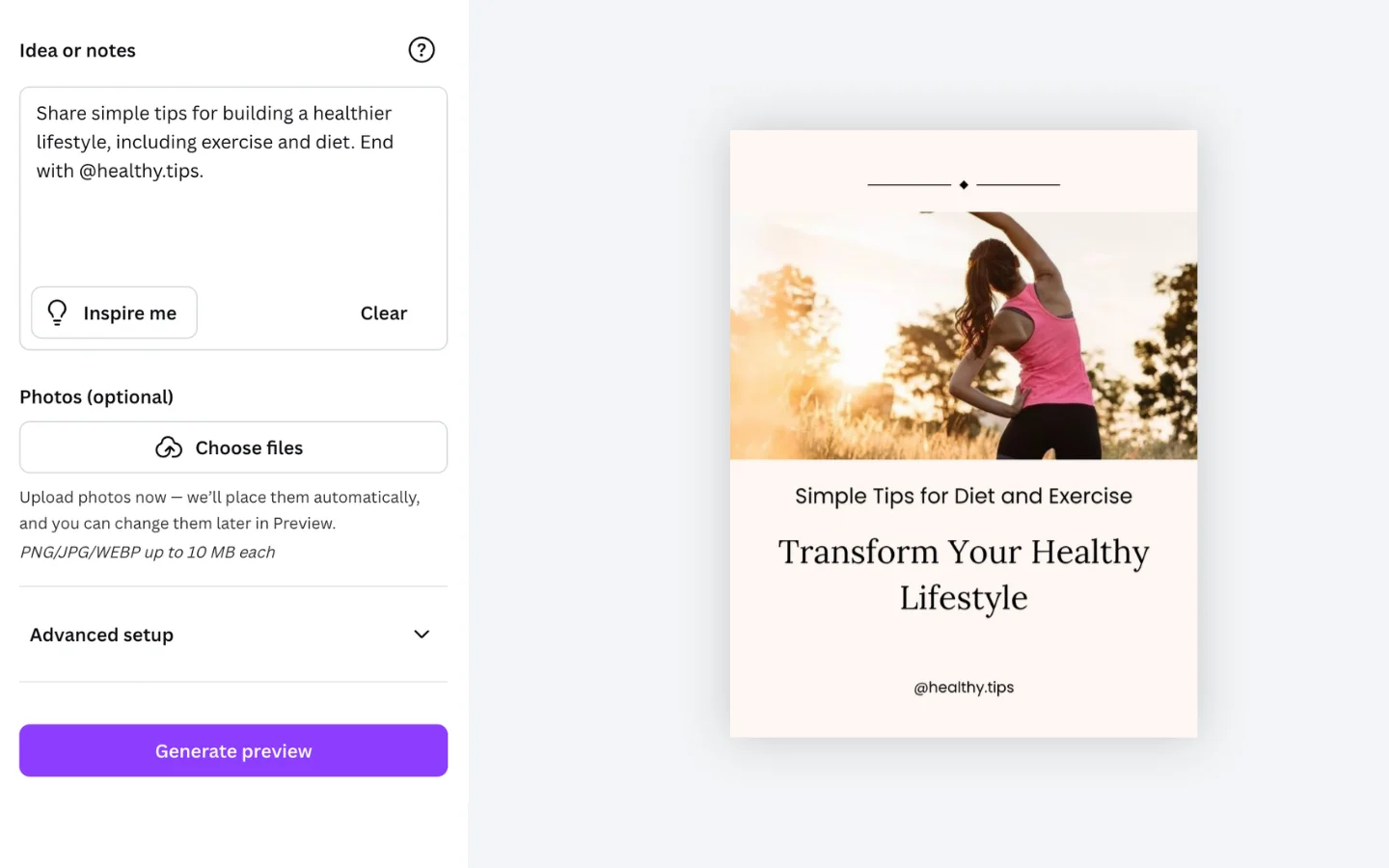
Start from an idea, shape the preview, and add editable pages without building the carousel page by page.
01
Start with a brief, topic, or outline for the carousel.
02
Pick the style, format, and settings that shape the carousel.
03
Adjust copy, visuals, and page flow before adding the pages.
04
Add the carousel to Canva and keep editing the result there.
See how the setup flow helps define the style, structure, and content before the carousel is generated.
Pricing
Pick the plan that fits how often you create carousels in Canva.
Free
Start with the core carousel workflow and a small monthly generation limit.
Pro Monthly
Upgrade when you need more generations and Pro styles.
Pro Yearly
Get the same Pro features with 26% savings compared with monthly billing.
Final price and applicable taxes are shown before payment.
A few quick answers before you try Carousel Builder.
Start with a brief, idea, topic, or outline. Carousel Builder helps turn it into a structured multi-page carousel.
Yes. You can adjust the copy, visuals, and page flow before adding the carousel to Canva.
Yes. The final pages stay editable after they are added, so you can keep working on the carousel inside Canva.
Carousel Builder can generate covers, focus pages, comparisons, quotes, stats, steps, and closing pages as part of a structured multi-page carousel.
Carousel Builder works well for educational posts, explainers, comparisons, thought leadership, and other structured carousel formats across Instagram and LinkedIn.
Yes. The Free plan includes 5 generations each month. Pro adds more generations each month, exclusive styles, and lets you switch styles anytime to compare style options.